Shields
We support two types of shields:
Signal Shield
Signal shields are used for shielded wires where the shielding is commonly terminated at a shield block or signal ground.

Airframe Shield
Signal shields are used for shielded wires where the shielding is commonly terminated at an airframe ground point.

Placement
All shields are placed by first selecting the shield type from Symbols → Signal Shield Ground or Airframe Shield Ground. The shield will then follow your cursosr position along the page.
You may select between two different modes: Snapping and Drag & Resize from the floating
tool panel.

Snapping Mode
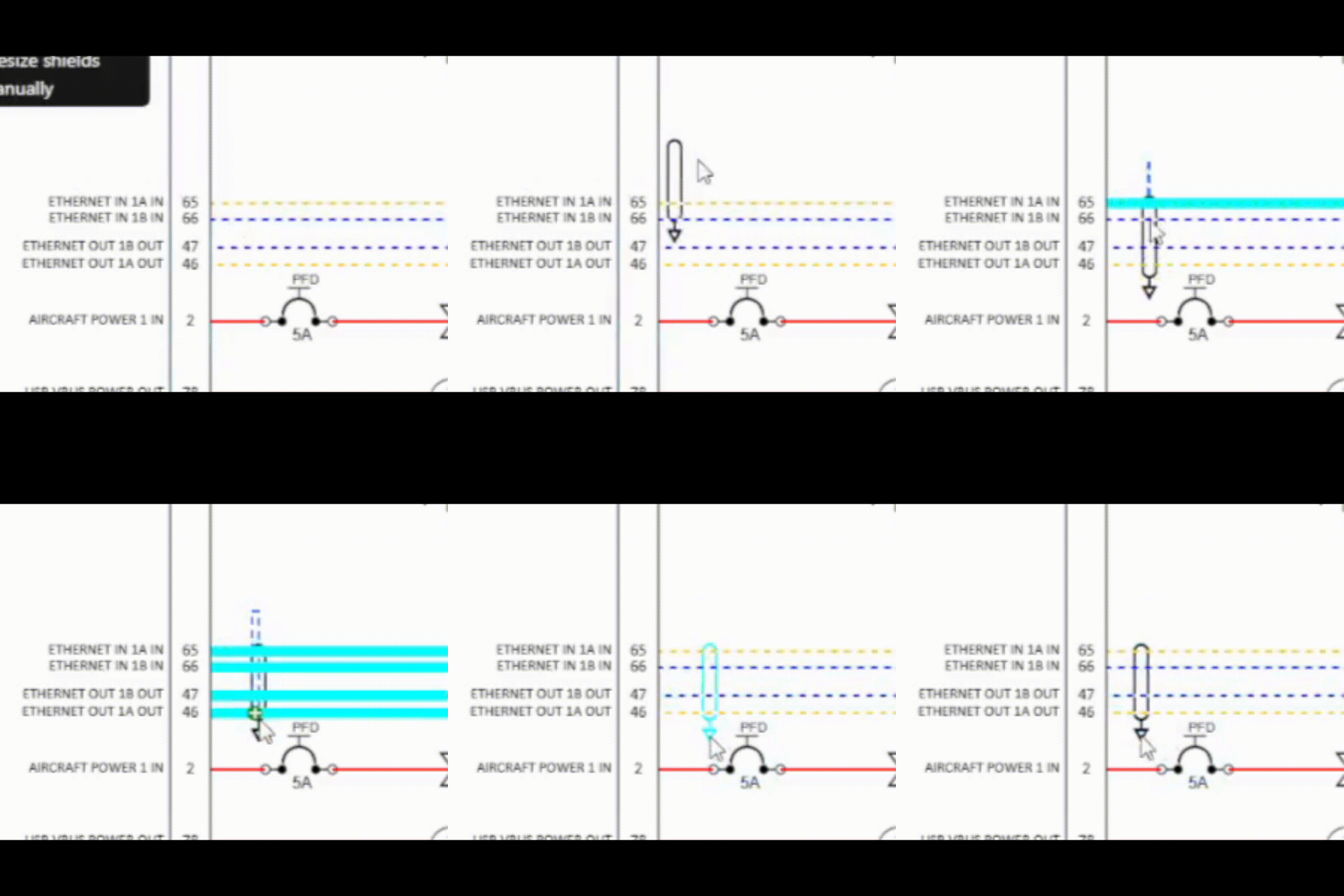
As the shield follows your cursor, it will snap into place over the nearest wire or groups of wires. The wires that are being grouped / shielded will be highlighted. Once placed, it will automatically manage resizing as needed to maintain its fit over the grouped/shielded wires.

Drag and Resize Mode
Click on or near the first wire you wish to group with the shield symbol, and without releasing your mouse button drag your cursor until the shield grows to encompass all of the wires you wish to shield / group. Once you release your mouse button, the shield placement will be finalized.
Movement
You can also hover over the shield to highlight, then select, and move the shield along the shielded wires. The shield will remain locked onto the grouped/shielded wires.
Delete
Right clicking a shield will bring up a menu that has the option to delete the shield from your diagram.